Back

Get Websea from the App Store

If you have a non‑Mainland Apple ID, sign in to the App Store and download directly.
0
Prepare a non‑Mainland Apple ID
If you don’t have one, try the following ways to get a non‑Mainland Apple ID:

Method 1
Self‑register (higher security)
See How to Register

Method 2
Use platform reference ID (convenient & quick)
View Reference ID
Method 3
Buy from online stores (relatively low risk)
See How to Purchase

0
Switch Apple ID in the App Store
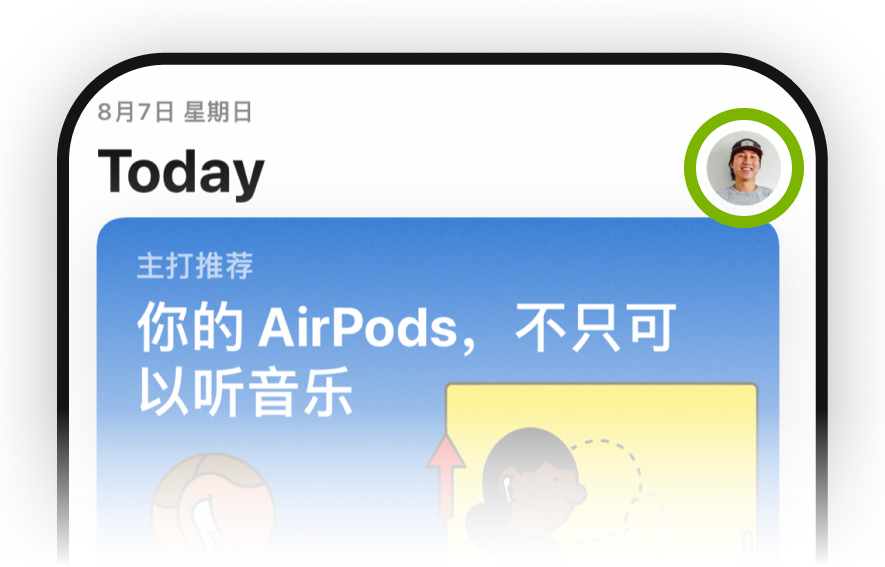
1. Open the App Store and tap your profile (top‑right)
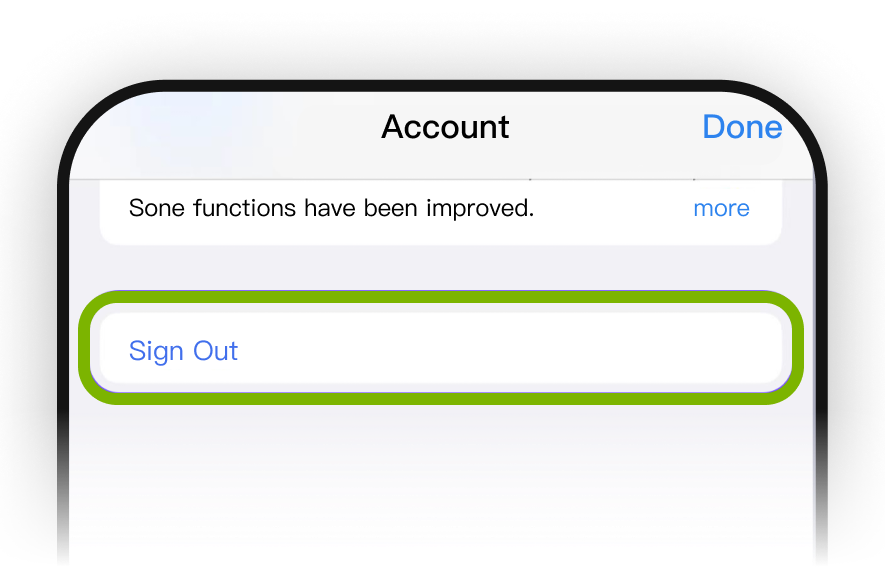
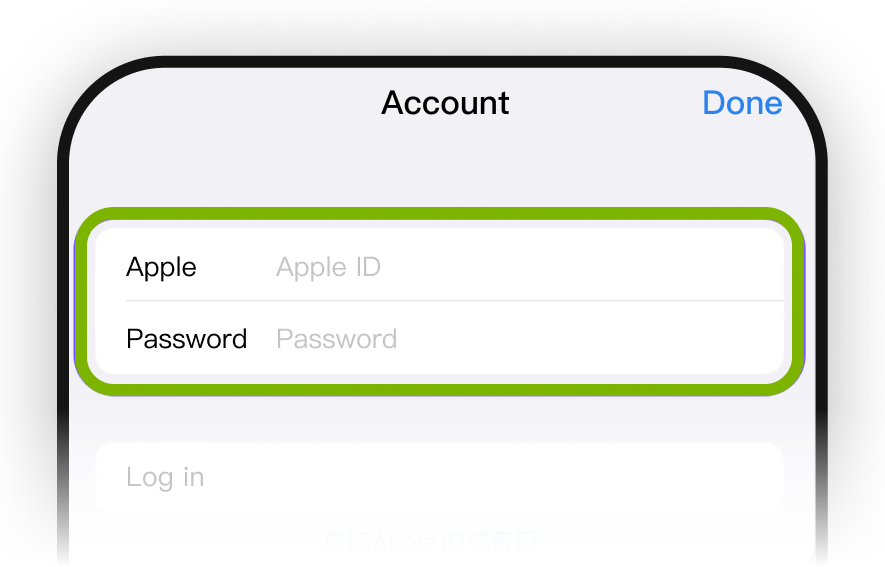
2. Tap Sign Out, then sign in with a non‑Mainland Apple ID.
*Tip: If you see Sign-in Failed,” it may be due to frequent account switching. Try another ID or retry later.
0
Install the App
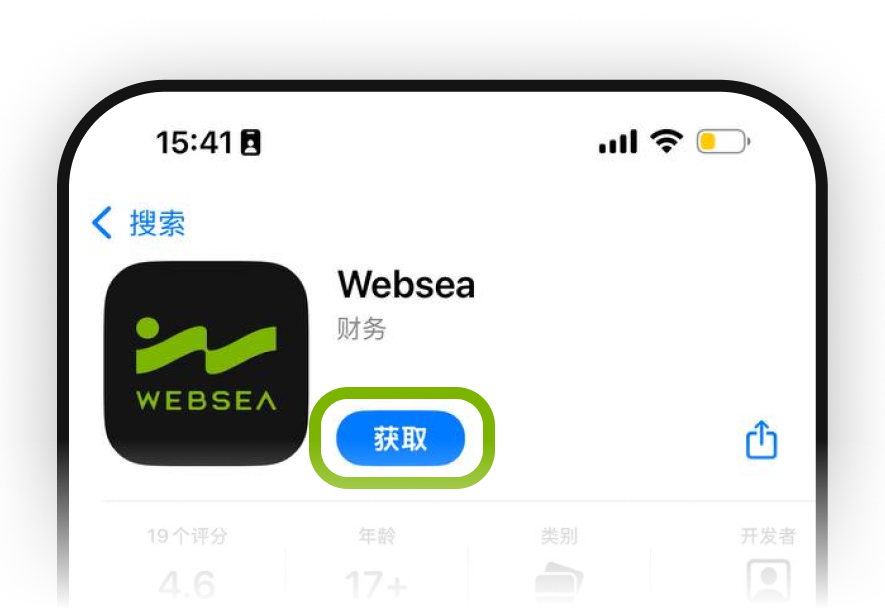
1. After sign‑in, you will be in the App Store for the target region. Search for “Websea” and tap “GET” to install.
2. Return to the Home Screen to confirm.
APP Store